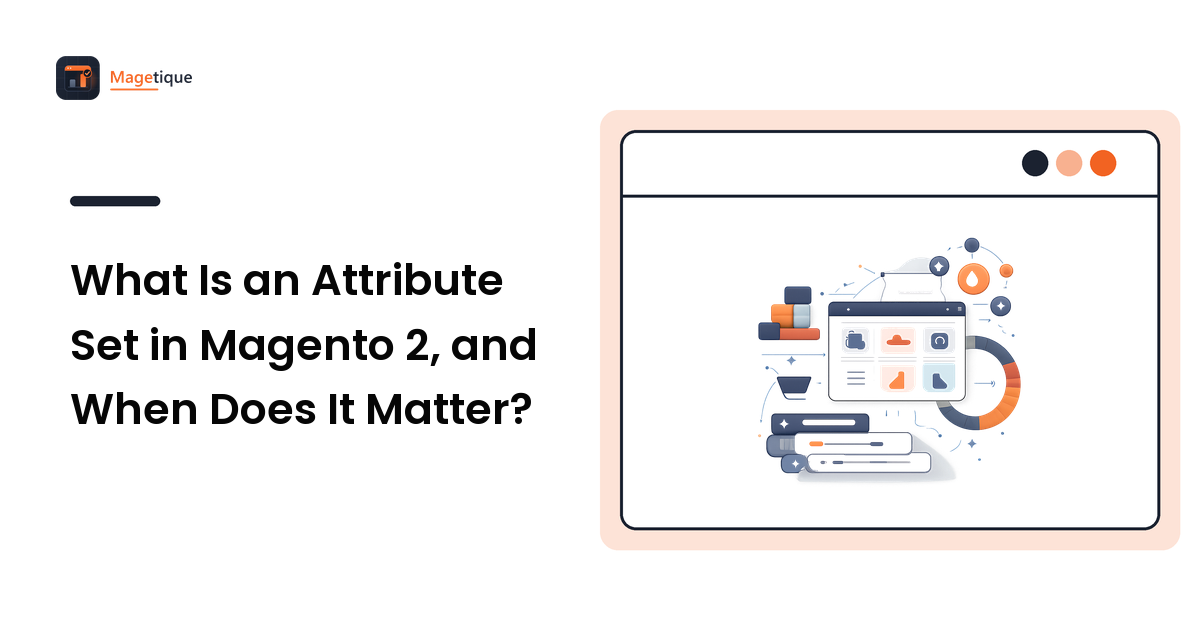
An attribute set in Magento 2 is the list of product attributes a particular kind of product uses — the blueprint Magento applies the moment you create that product. It decides which fields appear on the admin product form, which specifications the storefront has available to display, and which values can feed filters and search. It is not a category, not a product type, and not a collection of values.
Every product is assigned to exactly one attribute set, chosen at the top of the product form. A store selling only one kind of thing can live happily on the Default set forever. A store selling shoes, dining tables and light fittings from one catalogue cannot, because those three things have almost nothing in common except price and SKU — and that mismatch is what attribute sets exist to solve.
What an Attribute Set Actually Contains
Two kinds of attribute, arranged into groups.
System attributes are present in every set and cannot be removed: SKU, name, price, status, visibility, tax class and the rest of the fields Magento itself depends on. They are why a product created in any set still behaves like a product.
Your own attributes are the ones you create — material, wattage, seat_height, frame_size — and adding them to a set is what makes them appear for those products.
Attribute groups organise both kinds into the sections you see down the left of the admin product form: Content, Search Engine Optimization, Design, and any group you add. Groups are cosmetic in the sense that they change no behaviour, and important in the sense that a merchandiser filling in eighty fields in no order will get some of them wrong.
New sets are created in Stores → Attributes → Attribute Set, and Magento asks you to base each one on an existing set as a skeleton — usually Default. The skeleton is copied, not linked: changing Default afterwards does not push changes into sets already created from it.
Attribute, Attribute Set, Product Type, Category: What Each One Does
These four get conflated constantly, and each answers a different question about a product.
| Concept | Answers | Where it lives |
|---|---|---|
| Attribute | What is this single field, and how is it entered? | Stores → Attributes → Product |
| Attribute group | How are the fields arranged on the admin form? | Inside an attribute set |
| Attribute set | Which fields does this product have at all? | Stores → Attributes → Attribute Set |
| Product type | How does this product behave — simple, configurable, bundle, grouped? | Chosen when the product is created |
| Category | Where does this product appear in navigation? | Catalog → Categories |
The one worth sitting with is attribute set versus category, because it is the most common mix-up. A category is merchandising: where shoppers find the product. An attribute set is data structure: what the product is capable of describing about itself. A single attribute set often spans several categories, and a single category can hold products from several sets — which is exactly why a poorly planned catalogue produces category pages with filters that apply to half the products on them.
Where an Attribute Set Shows Up on the Storefront
This is the part store owners feel, and it is why the decision is not purely a back-office one.
The specification table on the product page. The "More Information" table is built from attributes that have a value on the product and are set to be visible on catalog pages on the storefront. If a spec you want shown isn't in the product's attribute set, no theme change will render it — the field does not exist for that product.
Layered navigation. A filter appears only if the attribute is filterable, is a filterable input type, and the category is an anchor. Behind all three sits a quieter requirement: the products in that category must actually carry the attribute, which means it must be in their set. If a filter shows counts that look wrong, mismatched attribute sets across the category are a frequent cause — the mechanics are in the layered navigation guide.
Search. Attributes flagged for use in search widen what a shopper can type and still land on the product.
Theme layout. Templates render whatever the set provides. A design promising a rich comparison table for electronics needs the electronics set to carry those attributes, or the table renders half-empty — which reads as neglect. Designing outward from the data you actually hold is a recurring theme in store design that converts.
When Attribute Sets Matter, and When Default Is Fine
Default is fine when your catalogue is essentially one kind of product, the spec table is short, and every filter you want applies to everything you sell. Adding sets for their own sake buys maintenance and nothing else.
You need more than one when any of these is true:
- Your catalogue spans genuinely different product kinds. Apparel needs size and colour; a dining table needs dimensions and material; a lamp needs wattage and fitting. Forcing all of them into one set produces a product form where most fields are irrelevant.
- Filters must differ between categories. Layered navigation is only as good as the attributes underneath it, and attributes only exist on products whose set includes them.
- Data entry keeps going wrong. A merchandiser scrolling past sixty inapplicable fields will eventually miss the four that matter. A tight set is a quality control.
- You import products from a feed or ERP. The
_attribute_setcolumn in a Magento CSV import decides which set each row lands in, and clean sets make the mapping obvious rather than clever. - You build configurable products. The attributes that create variants have to be present in the set before the wizard can use them.
How Attribute Sets Work With Configurable Products
A configurable product generates its variations from attributes, and those attributes must meet specific conditions: global scope, a dropdown or swatch input type, and membership of the configurable product's attribute set. Miss any one and the attribute simply will not appear as an option in the configuration wizard — which is the single most common "why can't I select colour here" question in Magento.
The child simple products created by the wizard inherit the same attribute set as their parent, which is another reason to shape the set before you build the first configurable rather than after you have a hundred of them.
Note that scope is an attribute property, not an attribute-set property. Attribute sets are global to the installation; the values can vary per store view when the attribute's scope allows it — the distinction matters on multi-language and multi-brand builds, which the multi-store setup guide covers in full.
What Goes Wrong When You Change a Set Later
You can change a product's attribute set after creation, from the selector at the top of the product form or through an import. It is supported, and it is not free.
Attributes that are not part of the new set stop being available on that product, so anything you were relying on — a spec row, a filter value, a field a feed reads — quietly disappears from the storefront even though the product still exists and still sells. Change a set on a live catalogue in a staging environment first, on a copy of production data, and check the product page, the filters, and any export before repeating it in production.
Two related cautions. Removing an attribute from a set has that effect for every product in it, not just the one you were looking at. And deleting a set is not a cosmetic tidy-up — check what is assigned to it and take a backup first, because products depend on the set they were created in.
How Many Attribute Sets Should a Store Have?
The workable rule: one set per group of products that share a spec table and a filter set. Start from the storefront rather than the admin — write down the filters each major category needs and the specifications each product page should show, and the sets fall out of that list almost automatically.
Too many sets costs maintenance: every new attribute has to be added in several places, imports need more mapping, and merchandisers have to know which to pick. Too few costs a cluttered admin form, half-empty specification tables, and filters that apply to only part of the category.
FAQ
Is an attribute set the same as a category? No. A category decides where a product appears in navigation; an attribute set decides which fields the product has. Products from several attribute sets can share a category, and one attribute set commonly spans many categories.
Can a product use more than one attribute set? No. Each product belongs to exactly one at a time. If a product genuinely needs fields from two sets, the honest fix is a set that contains both, or a re-think of how the catalogue is divided.
Where do I create an attribute set in Magento 2? Stores → Attributes → Attribute Set → Add Attribute Set. You base it on an existing set, then drag attributes into groups. The skeleton is copied at creation, so later edits to the source set do not propagate.
Do attribute sets affect store performance? Indirectly. Magento stores product data in an EAV structure, so every attribute with a value adds rows, and attributes flagged as filterable or searchable add to the search index. The number of sets matters far less than the number of attributes you make filterable and searchable across the catalogue.
Can I change a product's attribute set after it has been created? Yes, from the product form or by import. Attributes outside the new set stop being available on that product, so test the change on staging and check the product page, filters and exports before doing it in production.
Get the Blueprint Right Before the Catalogue Grows
An attribute set is a small idea with a long reach: it decides what your product pages can say, what your filters can offer, and how much guesswork product entry involves. Design it backwards from the storefront — the filters and the spec table you want — and it stays quiet and useful for years.
When you shape the storefront those attributes will feed, explore Magetique for themes and store-building guidance built for catalogues with real structure behind them.