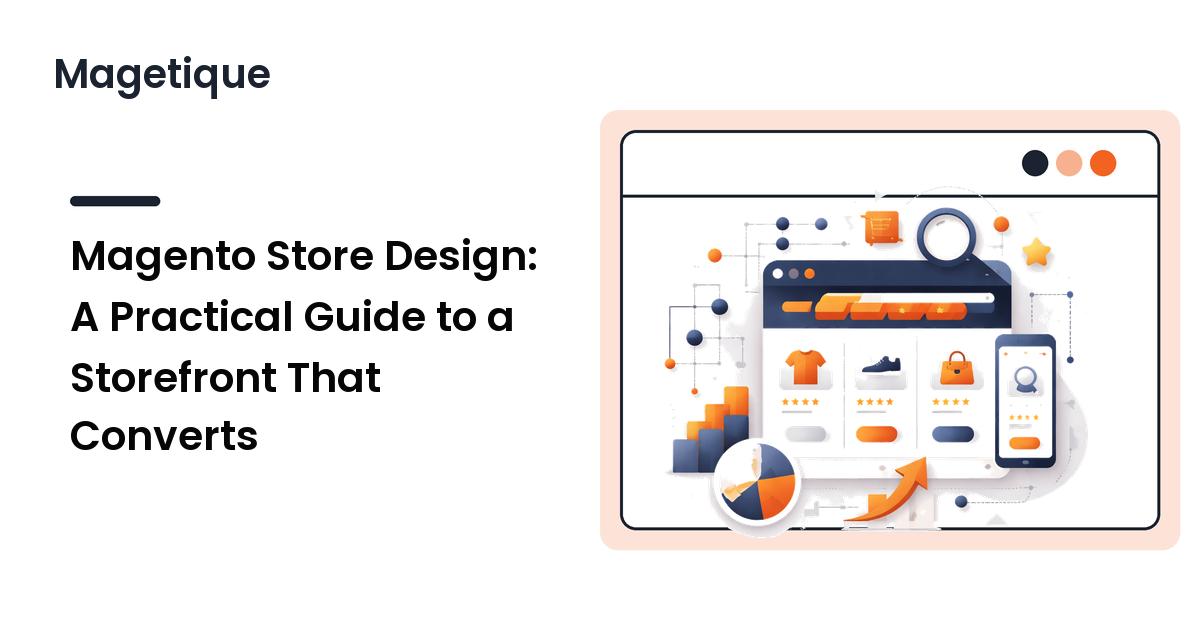
A Magento store can be fast, well-coded, and stocked with great products and still convert poorly, because design decides whether a visitor can find what they want and feel confident buying it. Store design is not decoration layered on top of the catalog — it is the structure of the shopping journey, from the first homepage glance to the moment someone clicks "place order." Get that structure right and every other investment in the store pays off more.
This guide covers the design decisions that move conversion on a Magento 2 storefront: how to structure the homepage, fix navigation so people can actually find products, design category and product pages that do their jobs, get mobile right, and apply visual hierarchy deliberately. The short version: design for the path a shopper takes, make the next step obvious at every stage, and treat mobile as the primary screen.
Design starts after the theme, not instead of it
Your theme gives you a frontend foundation — layout structure, default templates, and a set of options. Store design is what you do with that foundation: the layout choices, content blocks, and page structure that turn a generic demo into a storefront built for your catalog and your shoppers. The two are linked, which is why the theme decision comes first; if you have not settled that yet, work through how to choose a Magento 2 theme before you design on top of it.
A common mistake is to accept the theme's demo as the design. Demos are built to show off features, not to sell your products to your customers. Strip the demo content, keep only the blocks that serve a purpose, and design each page around what your shopper needs to see and do there. Restraint is a design decision — every slider, banner, and widget you leave in competes for attention and adds weight.
Structure the homepage around intent
The homepage is not your most important page for people who arrive from search — they often land on a category or product page — but it sets expectations and serves shoppers who start at the top. Its job is to answer three questions fast: what do you sell, why buy here, and where do I go next.
A reliable structure, top to bottom:
- A clear hero that states what the store offers and gives one primary path in — usually to a main category or a current promotion. Avoid a carousel of competing messages; a single strong message outperforms a rotation most shoppers never wait to see cycle.
- Entry points to top categories, so a shopper can self-select their path immediately rather than hunting through the menu.
- Trust signals — shipping and returns clarity, reviews, payment badges — placed where a first-time buyer will see them, because confidence is what converts a stranger.
- One or two supporting blocks (featured products, a value proposition) and nothing more.
Resist the urge to put everything on the homepage. Each additional block dilutes the primary path and, on Magento, can add render-blocking content that slows the page. Decide the one action you most want a homepage visitor to take, and design so that action is the obvious one.
Make navigation do its job
Navigation is where many Magento stores quietly lose sales, because a shopper who cannot find a product cannot buy it. The goal is to let someone reach any product in as few, as obvious, steps as possible.
A few durable principles:
- Organize categories the way shoppers think, not the way your catalog is structured internally. Category names should match the words customers use. If your menu mirrors your warehouse rather than your buyer's mental model, people get lost.
- Keep the top level shallow and clear. A focused menu of real categories beats a sprawling mega-menu that overwhelms. Use subcategories for depth, but make sure the structure stays scannable.
- Make search prominent and reliable. A meaningful share of buyers go straight to search. Ensure the search box is easy to find and that it returns sensible results, including useful behavior when a query has no exact match.
- Show shoppers where they are. Breadcrumbs and a clear sense of location help people move between categories without backtracking to the homepage.
Test the real thing: pick three products and see how many clicks and decisions it takes a first-time visitor to reach each. If the path is not obvious, the navigation needs work before anything else.
Design category pages that help people choose
Category (listing) pages are where shoppers compare options, so they are often the real workhorses of the store. A good category page helps a visitor narrow down quickly and click into the right product.
What matters most:
- Layered navigation (filters) that actually helps. Filters for the attributes shoppers care about — size, price, color, brand — let people cut a large catalog to a manageable shortlist. Keep the filters relevant; too many irrelevant ones are as paralyzing as too few.
- Useful sorting, including the orders shoppers expect (price, newest, popularity).
- Product cards that pre-qualify the click. A clear image, name, price, and a key differentiator help shoppers self-select, so the click into the product page is more likely to convert.
- Sensible pagination or loading that keeps the page fast even on large categories.
The design tension here is information versus clutter. Give shoppers enough to compare without overwhelming the grid. When in doubt, show the few attributes that drive the decision and leave the rest for the product page.
Make product pages earn the "add to cart"
The product page is where the buying decision is made, so it deserves the most care. Its job is to answer every question a shopper has and remove every reason to hesitate.
The elements that carry the most weight:
- Strong, zoomable images from multiple angles. Shoppers cannot touch the product, so visuals do the reassuring. Image quality and detail are not optional on a product page.
- A prominent, unmistakable add-to-cart button. It should be the most obvious element above the fold, with clear price and availability beside it. Do not make shoppers hunt for the one action the page exists to drive.
- Scannable, structured information. Lead with the key benefits, then provide full details (specs, materials, dimensions) in a structure people can skim. Long unbroken paragraphs get skipped.
- Trust and risk-reducers at the decision point. Reviews, shipping and returns information, and stock status placed near the button answer the doubts that stall a purchase.
- Clear handling of variants. If the product has options (size, color), make selecting them effortless and reflect the choice in image and price.
Every element on a product page should either help the shopper decide or help them buy. Anything that does neither is a candidate for removal.
Treat mobile as the primary screen
A large share of ecommerce traffic shops on phones, so a Magento storefront that is designed for desktop and merely "works" on mobile is designed for the minority. Mobile is not a scaled-down version of the desktop site; it is the main experience for many shoppers and should be designed as such.
Practical priorities for mobile:
- Thumb-friendly tap targets, especially the add-to-cart and checkout buttons. Cramped controls cause mis-taps and abandonment.
- A streamlined path to purchase. Minimize steps and form fields. Every extra tap between interest and order costs conversions.
- Readable content without zooming, with images that load quickly on slower connections.
- A mobile menu and search that are genuinely usable, not a desktop menu squeezed onto a small screen.
Always test on a real device, not just a desktop browser's responsive preview. The feel of tapping, scrolling, and checking out on an actual phone reveals friction that a resized window hides.
Apply visual hierarchy on purpose
Visual hierarchy is the quiet engine of conversion: it guides the eye to what matters in the order it matters. On every page, decide what the shopper should notice first, then use size, contrast, color, and spacing to make it so.
- Reserve your strongest contrast for primary actions — the add-to-cart and checkout buttons. If everything is bold, nothing stands out, and the button that drives revenue gets lost.
- Use whitespace to group and separate. Space makes a page feel considered and products easier to scan; crowded layouts read as cluttered and lower trust.
- Keep type and spacing consistent across the store so it feels coherent and professional. Inconsistency reads as carelessness, which undercuts buying confidence.
Hierarchy and performance reinforce each other on Magento. A clean, focused design with fewer heavy elements is both easier to scan and faster to load, and speed is itself a conversion factor.
FAQ
What is the most important page to optimize in a Magento store?
For most stores, the product page and the category pages, because that is where buying decisions happen and where search traffic often lands. The homepage matters for first impressions and for shoppers who start at the top, but optimizing the pages closest to the purchase usually moves conversion more.
How many products should I show on a category page?
Enough to give shoppers a sense of the range without slowing the page or overwhelming them. Favor strong filtering and sorting over cramming everything onto one screen, and use sensible pagination or loading so large categories stay fast. The right number depends on your catalog and how shoppers browse it.
Should I design for desktop or mobile first?
Mobile first, because a large share of ecommerce traffic is on phones and the small screen forces you to prioritize ruthlessly. Design the essential path on mobile, then expand the layout for larger screens. Designing desktop first and shrinking it usually produces a cramped mobile experience.
Do I need a page builder to design a Magento storefront?
Not necessarily. A page builder can speed up content layout for non-developers, but it can also lock content into proprietary markup and add weight. Weigh the ease of editing against maintainability and performance, and avoid building your whole storefront out of nested builder blocks no developer can untangle later.
How do I know if my store design is working?
Watch where shoppers drop off. Track how visitors move from category to product to cart to checkout, and look for the step with the steepest fall. That points to the page or interaction to redesign. Pair the numbers with testing on a real device, because friction you can feel often explains a drop the data only shows.
Next step
Good Magento store design is the discipline of designing for the shopper's path: a homepage that points the way, navigation that finds products fast, category pages that help people choose, product pages that remove every doubt, and a mobile experience treated as primary — all tied together by deliberate visual hierarchy. Strip the demo, design each page around its one job, and test the real journey on a real phone.
Ready to plan a storefront that converts? Explore Magetique to get started.