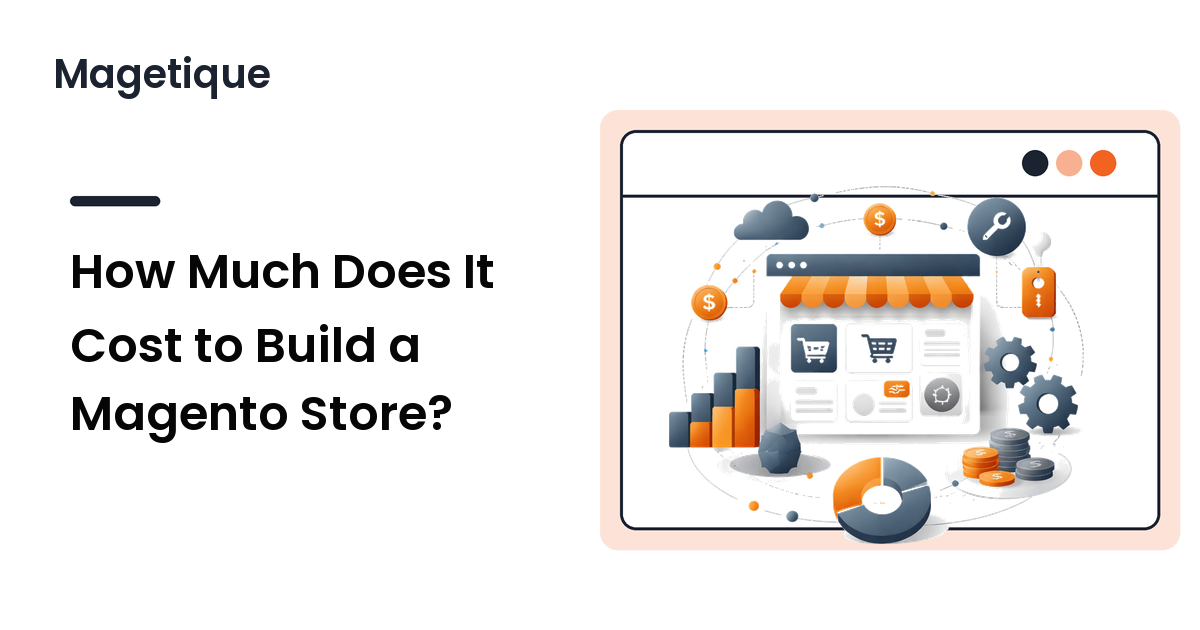
How much does it cost to build a Magento store? The honest answer is a range, not a single number — from a few hundred dollars for a self-built store on a premium theme to well past $100,000 for a custom enterprise build. What surprises most people is that the software itself can be free. The cost lives in everything around it: hosting, design, extensions, development, and the ongoing work of keeping the store fast and secure.
This guide breaks down where the money actually goes, so you can build a realistic budget instead of reacting to a vendor's best-case quote — the cost components line by line, the running costs most budgets forget, what moves the price, and where you can safely save.
The Short Answer: What a Magento Store Really Costs
Magento Open Source — the free, open-source edition — costs nothing to download. But a functioning store is never free, because it needs hosting to run on, a design to wear, and someone to assemble it. The figures below are typical market ranges. They vary widely by region, vendor, catalog size, and how much you do yourself, so treat them as planning brackets rather than quotes.
| Store type | Typical build cost | Typical monthly running cost | Rough timeline |
|---|---|---|---|
| DIY / very small (Open Source + premium theme, self-built) | A few hundred to ~$3,000 | ~$30–$100 | Days to a few weeks |
| Small business (freelancer or small agency, premium theme, light customization) | ~$5,000–$20,000 | ~$100–$500 | 4–10 weeks |
| Mid-market (agency custom build, integrations, migration) | ~$20,000–$100,000 | ~$500–$3,000 | 3–6 months |
| Enterprise (Adobe Commerce, complex catalog and integrations) | $100,000+ | Thousands+ (license + hosting) | 6–12+ months |
The gap between the first and last row is not markup — it is scope. A one-person store of forty products has little in common, cost-wise, with a multi-warehouse catalog wired into an ERP. Knowing which row you are in is your first budgeting decision.
The Cost Components, Line by Line
Every Magento budget is built from the same parts. Here is what each one really involves.
Software and licensing
Magento Open Source is free. You can run a full commercial store on it without paying Adobe a cent for the license. Adobe Commerce (the paid edition, formerly Magento Commerce) is quote-based and priced on a tier tied to your gross merchandise value or order volume — typically a five- to six-figure annual license, with Adobe Commerce Cloud bundling hosting into that fee. Most small and mid-market stores run perfectly well on Open Source; the paid edition earns its keep only when you need its B2B, advanced merchandising, or managed-cloud features at scale.
Hosting and infrastructure
Magento is resource-heavy, so cheap shared hosting is a false economy — it will run slowly and buckle under traffic. Plan for a VPS, cloud instance, or managed Magento hosting. Entry-level cloud or VPS hosting starts around $30–$50 per month; managed Magento hosting with caching layers (Varnish, Redis), staging, and support runs from the low hundreds into the thousands per month as your traffic and catalog grow. Managed hosting costs more but removes a real operational burden.
Theme and design
Your storefront's look can be the cheapest or one of the most expensive lines, depending on the route:
- Free base themes (Luma or Blank) — $0, but plain and needing heavy work to look distinctive.
- Premium multipurpose theme — typically a one-time ~$100–$200, giving you a polished, conversion-oriented design out of the box.
- Custom theme design and build — from a few thousand dollars for a small agency to tens of thousands for a bespoke, from-scratch storefront.
For most stores that are not funded to justify a custom design, a well-built premium theme is the highest-leverage money you can spend. The catch is that not every theme is worth its demo — performance and maintainability matter far more than the gallery. Our guide on how to choose a Magento 2 theme walks through evaluating that properly.
Extensions and integrations
Magento's core covers a lot, but you will buy features it lacks. Many quality extensions are free; paid ones commonly run ~$50–$500 each. Deeper integrations — ERP, PIM, a payment or tax provider, a marketplace connector — cost more and need developer time to configure. Two budget traps hide here: subscription renewals that quietly stack up, and extension bloat that slows the store and complicates every upgrade.
Development and customization
This is usually the largest line in any non-DIY build. Rates vary enormously by region and skill: freelance Magento developers range from roughly $25 to $150+ per hour, and agency project pricing spans a few thousand dollars for a template-based setup to $50,000–$250,000+ for a complex custom build. You are paying for install, theme customization, extension integration, testing, and launch — in-house hiring just trades those fees for a salary.
Content, data, and migration
The line almost everyone underestimates. Product data entry, photography, category structure, and copywriting take real time. If you are moving from another platform, data migration — products, customers, orders, URLs, and SEO redirects — is a project in itself and can rival the development cost when the catalog is large or messy.
The Running Costs Most Budgets Miss
The build is a one-time number; a store is an ongoing commitment. Recurring costs typically include:
- Hosting — every month, scaling with traffic.
- Maintenance and security patching — Magento ships regular security patches, and applying them safely is not optional for a store that takes payments. Many owners keep a developer retainer or managed plan for this.
- Extension and license renewals — annual fees for paid modules and any support subscriptions.
- Domain, SSL, and email — small but real.
A reasonable rule of thumb: budget 15–20% of your build cost per year for maintenance and improvements. Skipping it only defers the bill to the day something breaks.
What Pushes Your Magento Cost Up or Down
Two stores with identical goals can differ five-fold in price. The main drivers:
- Catalog size and complexity — thousands of SKUs, configurable products, and multiple store views all add work.
- Customization depth — accepting a theme's defaults is cheap; a pixel-perfect bespoke design is not.
- Number of integrations — each external system is a connection to build, test, and maintain.
- Who builds it — DIY, freelancer, boutique agency, and enterprise partner sit at very different price points, with reliability rising alongside cost.
- Performance and scale — a store expecting heavy traffic needs more hosting and tuning than a boutique shop.
Where You Can Save Without Regretting It
Not all savings are equal. These reduce cost without hurting the store:
- Scope for a real MVP first. Launch with the products, pages, and features you actually need, then add the rest with revenue coming in. Half of most "must-have" launch lists can wait.
- Buy design instead of building it. A premium multipurpose theme delivers a professional, conversion-ready storefront for a one-time cost in the low hundreds — versus thousands for custom design. Provided you pick a theme that is fast and maintainable, this is the single safest place to save.
- Choose fewer, better extensions. Each module is a permanent tax on page weight and upgrade effort. Solve needs with built-in configuration where you can.
- Use managed hosting to avoid hidden ops cost. Paying a bit more for managed Magento hosting can be cheaper than the developer hours you would otherwise spend on server problems.
And the places not to cut: security patching, hosting quality, and pre-launch testing. Saving there does not reduce cost — it delays and multiplies it.
A Magento Store Budget Checklist
Before you commit a number, make sure it accounts for all of this:
- Edition — Open Source (free) or Adobe Commerce (quoted)?
- Hosting tier matched to expected traffic and catalog size
- Theme route — free, premium, or custom — with a maintainability check
- A costed list of required extensions and integrations, plus renewals
- Development hours for setup, customization, and testing
- Content, product data, and any migration from your current platform
- A yearly maintenance and security budget (15–20% of build)
- A contingency buffer (10–20%) for the scope you have not discovered yet
FAQ
Is Magento free to use?
The software is. Magento Open Source is free to download and run a commercial store on. Adobe Commerce, the paid edition, is licensed on a quote basis tied to your sales volume. In both cases the store around the software — hosting, design, development, maintenance — is where the real cost sits.
How much does a small Magento store cost to build?
A self-built store on Magento Open Source with a premium theme can launch for a few hundred to a few thousand dollars plus modest hosting. Bring in a freelancer or small agency for setup and light customization and a small-business build typically lands in the ~$5,000–$20,000 range.
Why does Magento cost more than a hosted platform like Shopify?
Magento is self-hosted and highly flexible, so you own the hosting, security, and development that a hosted platform bundles into a monthly fee. You trade higher upfront and maintenance cost for deeper control and no per-sale platform fees — worth it at scale, heavier for a very small store.
Do I need a developer to build a Magento store?
Not strictly. A technically comfortable owner can stand up Open Source with a premium theme and configuration alone. But for custom design, integrations, data migration, or ongoing security patching, a developer or agency saves you time and risk — and is usually the largest line in a serious build.
How much should I budget for ongoing maintenance?
Plan for roughly 15–20% of your build cost per year to cover security patches, updates, hosting, and small improvements. A store that takes payments cannot safely skip patching, so treat this as a fixed cost, not an optional one.
Building a Store That Fits Your Budget
The cost of a Magento store is the sum of a few decisions: which edition, how much custom design, how many extensions, who builds it, and how you maintain it. Get honest about your store-size row, cost every line rather than just the build, and spend where it earns the most — hosting that holds up and a design that converts.
Design is the line where a modest, deliberate spend goes furthest. Explore Magetique to give your store a professional, conversion-ready look without a custom-build budget — a foundation you can launch on now and grow into later.