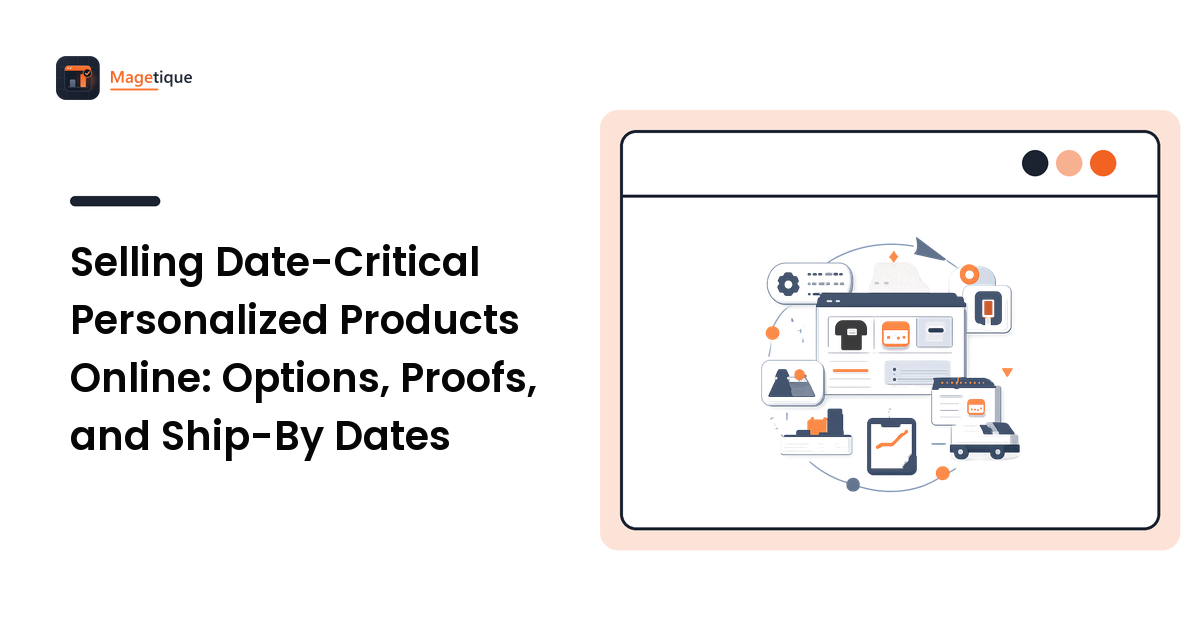
A store selling stock products has a simple contract: pick a variant, pay, we ship what is on the shelf. Personalized made-to-order products break that contract in three places at once, and most storefront problems in this category trace back to one of them.
- The option set changes the product, the price, and often the lead time.
- A proof sits between payment and production, so the order is not finished when checkout is.
- The customer frequently has a fixed date, which turns your production schedule into a promise rather than an estimate.
The key takeaway: treat the date as a first-class attribute of the catalogue, not a note in the shipping policy. Everything else in this guide follows from taking that seriously.
Weddings are the clearest example of the category — stationery, signage, favours, engraved keepsakes, albums and prints ordered afterwards — but the same architecture applies to any deadline-driven personalization: corporate awards before a ceremony, team kit before a season, memorial pieces before a service.
Model the option set before you touch the theme
Get the data model wrong and every downstream problem becomes a workaround. Sort your personalization into three types, because they behave differently:
Selections that change the product. Material, size, finish, quantity tier. These are real variants with their own stock, price, and often their own production route. They belong in the product structure, not in a free-text field.
Selections that change the price but not the product identity. An extra engraving line, rush production, premium packaging. These are option-level surcharges and they must be visible in the price the moment the customer picks them.
Customer-supplied content. Names, dates, messages, an uploaded image, a font choice. These do not change the price but they carry the highest error rate, and they are what the proof exists to check.
The practical rule: anything that affects fulfilment routing or cost belongs in the structured layer. Anything that is purely content belongs in a validated input attached to the line item. Teams that put material choice in a text box discover it at the point where a warehouse cannot pick the order.
Show the personalized price and the personalized date together
Two numbers decide this purchase, and both change as the customer configures. Update them in the same place, live, above the fold.
- Price, recalculated as options change, with surcharges itemised rather than folded into a single total that jumps mysteriously.
- Estimated ship-by or arrival date, calculated from the production time for that configuration plus proofing time plus shipping.
The second one is where most personalization stores leave money on the table. A customer with a deadline is not comparing your price against a competitor first — they are trying to find out whether it can arrive in time. If your product page cannot answer that, they leave and ask someone whose page can.
Compute the date from real inputs: production queue depth, the lead time for the options chosen, the cut-off for same-day proofing, working days rather than calendar days, and the shipping method. Then state it with a clear meaning — "ships by" is a promise you control, "arrives by" depends on a carrier and needs hedging.
Validate the upload at the point of upload
Customer-supplied images are the largest single source of remakes in this category, and every problem is cheaper to catch on the product page than after production.
Validate immediately and explain in plain language:
- Resolution against the printed or engraved size. Tell them the file is too small for this size and offer the size it does suit, rather than rejecting it outright.
- Aspect ratio and crop. Show the actual crop that will be produced. Most complaints about "you cut off my head" are crops the customer never saw.
- Colour mode and file type, converted quietly where you safely can, flagged where you cannot.
- Contrast and detail for engraving or single-colour reproduction, where a photo that looks fine on screen can lose everything in the mid-tones.
Where the source files come from matters more than store owners expect. For wedding products the good outcome is a customer working from high-resolution originals delivered by their photographer — documentary studios such as Photojournalism by Rodney Bailey, a Washington DC wedding photographer of over three decades, deliver galleries of full-resolution files rather than social-media exports. The bad outcome is a screenshot from a phone, saved from a messaging app, at a fraction of the pixels needed. Your upload field cannot fix that, but it can catch it in the second it happens and tell the customer exactly what to go and find.
Build the proof step into the order lifecycle
A proof is not an email you send informally. It is a state in the order, and modelling it properly prevents the two failure modes: production starting on an unapproved design, and an order sitting silently for a week because nobody noticed the customer never replied.
The states you need:
- Payment received — order exists, production has not started.
- Proof pending — design prepared, waiting on the customer.
- Changes requested — with a revision count, because unbounded free revisions on a deadline product destroy the schedule.
- Approved — the moment the ship-by date becomes firm.
- In production — after which changes are a new order, and the interface should say so before approval, not after.
Two details make the difference between a workflow that runs and one that generates support tickets. First, the proof clock is the customer's, so reminders are your responsibility: automated nudges at sensible intervals, with the ship-by date shown recalculating as approval slips. Second, record approval explicitly — a timestamped click on "I have checked the spelling and approve this proof" resolves nearly every dispute about a misspelled name, and it is a better use of a confirmation step than a checkbox nobody reads.
Merchandise the deadline
If a meaningful share of your customers are buying against a date, put that logic on the storefront rather than hiding it in policy pages.
- A cut-off banner with real dates, driven by the same calculation as the product page, not hand-edited every season.
- Rush production as a purchasable option with an honest description of what it does and does not change. Rushing production does not make a carrier faster, and saying so protects you.
- Category and search filters by availability window, so someone with three weeks can see only what can arrive in three weeks. This is one of the highest-value filters in the whole category and almost nobody builds it.
- Order status the customer can self-serve. Proof pending, approved, in production, shipped — visible without emailing you. Deadline buyers check obsessively, and each check is a support ticket you did not have to answer.
The general design principles still apply — hierarchy, mobile-first, one job per page — and the store design guide covers those. What changes here is that the date competes with the price for the most prominent position, and on deadline products it usually wins.
Do not let personalization wreck the checkout
Personalized carts are heavier than normal ones: they carry option data, uploaded files, and configuration state. Three things routinely go wrong.
Configuration loss. A customer configures a complex product, hits checkout, is asked to log in, and returns to a reset configuration. Persist it to the cart line, not to a session a login flow can clear.
Line-item opacity. The cart must show the personalization in full — exact text, chosen options, a thumbnail of the upload. It is the last cheap moment to catch a typo, and each one caught here is a remake avoided.
Extra friction on top of already-long forms. Personalization has already asked more of the customer than a normal purchase. Everything else should get shorter, not longer: guest checkout available, address autofill, no optional fields dressed up as required ones. The general programme is in the checkout optimization guide, and it matters more here because the configuration effort is sunk cost the customer will resent losing.
One more: put the personalization details in the confirmation email, in full, as text. That is the copy customers re-read, and where they spot an error while it is still free to fix.
FAQ
Should personalization options be custom options or product variants? Anything affecting stock, cost, or fulfilment routing should be a variant, because those systems need structured data. Purely cosmetic content such as a name or message belongs in a validated custom option on the line item. The test is simple: if a warehouse or supplier needs to act on it, it is structured data.
How do I stop customers submitting unusable images? Validate at upload against the actual output size, show the real crop, and explain failures in terms of what to do next rather than what is wrong. Pair that with a short, plain-language guidance note near the upload field. You will not eliminate bad files, but you can move nearly all of them from post-production discovery to pre-purchase correction.
How many free revisions should a proof allow? Set an explicit number — two is common — and state what happens beyond it, both in cost and in effect on the ship-by date. Open-ended revisions on a deadline product transfer schedule risk to you while removing any incentive to check carefully the first time.
Can I promise a delivery date? Promise what you control. A ship-by date is yours; an arrival date depends on a carrier. State the ship-by date firmly, present the arrival date as an estimate with the carrier named, and be explicit that the clock starts at proof approval rather than at payment.
Next step
Personalized made-to-order selling comes down to four decisions: model options so structured data stays structured, calculate and display the date as prominently as the price, validate customer content at the moment it arrives, and make the proof a real order state with reminders and recorded approval. Get those right and the support load drops, remakes drop, and deadline buyers stop bouncing off a page that could not tell them whether it would arrive in time.
If you are still deciding which platform and which extensions can carry that workflow, compare your store-building options side by side at Magetique before you commit to a build.